
Modules
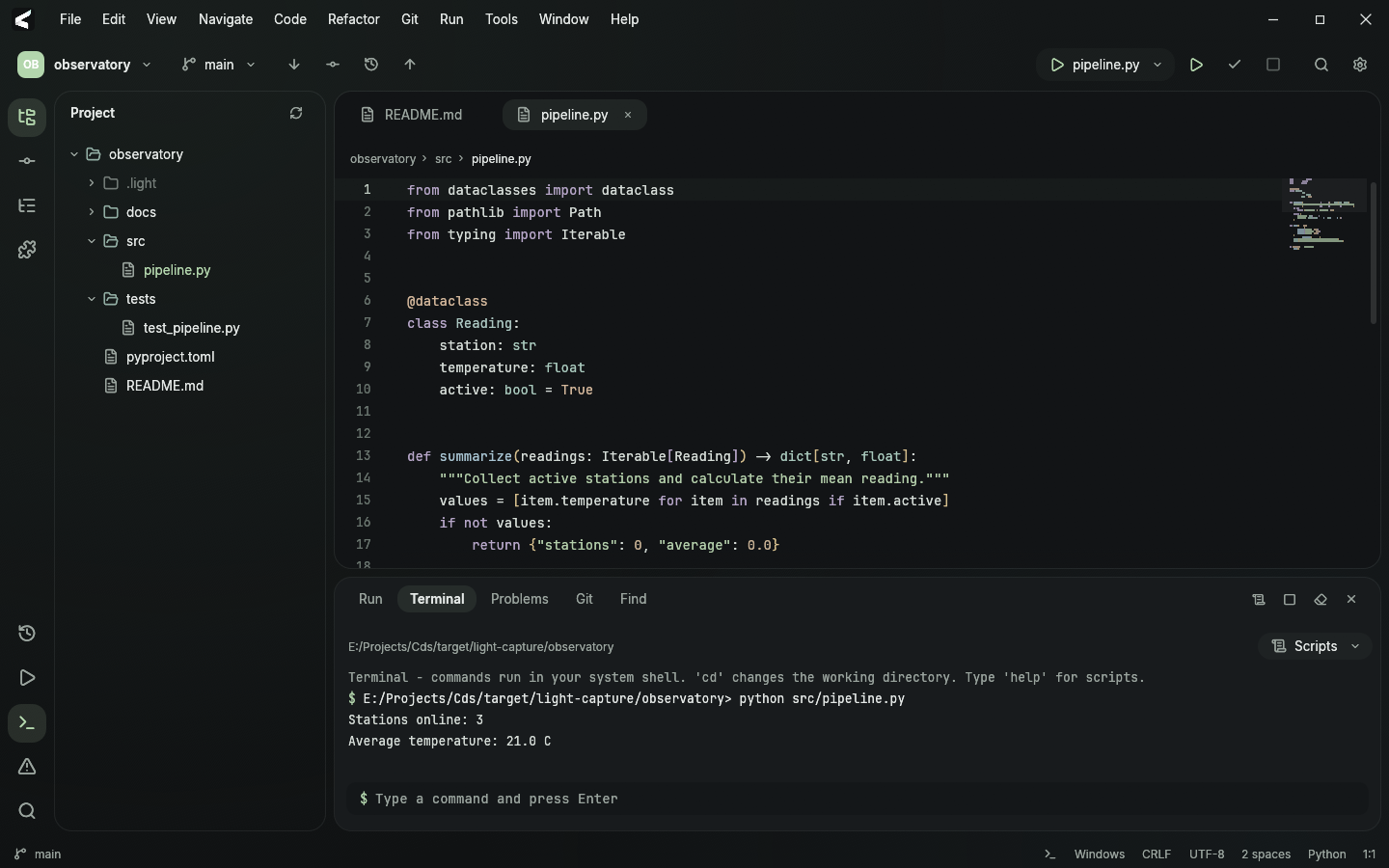
A project-shaped workspace
Add languages, run commands and templates. The core editor, Git and terminal work independently of language modules.
Open catalogINSIDE LIGHT
From the first file to the next commit.
The essential tools are already here.
Modules
Add languages, run commands and templates. The core editor, Git and terminal work independently of language modules.
Open catalogEditor
Smart indentation, auto-pairs, folding, bracket highlighting, undo and redo. Language rules come from the module.
Navigation
File outlines, project search, go to definition and find usages. Completion and documentation use the project index and module data.
Git and GitHub
Branches, diffs, commits and repository cloning in one workspace. Connect GitHub to choose your repositories inside Light.
Local snapshots
Save project states, inspect changes and restore files. Local history works even without Git.
Terminal and runs
A built-in terminal, module run commands and custom project scenarios. Output and compiler messages appear in Run and Problems.
Linux through WSL
Work in Linux from Windows: terminal, builds, runs and installation of tool groups defined by your modules.
Documents
Markdown and reStructuredText with preview alongside your text. Scrolling stays in sync; headings, tables, links and code blocks stay readable.
Themes
Dark and light themes, a custom palette, syntax and bracket colors. Your custom settings stay when you switch themes.
Open source
Light is built with Rust and egui. Source is available under MIT; modules are defined as data, and the CLI works without a window.